

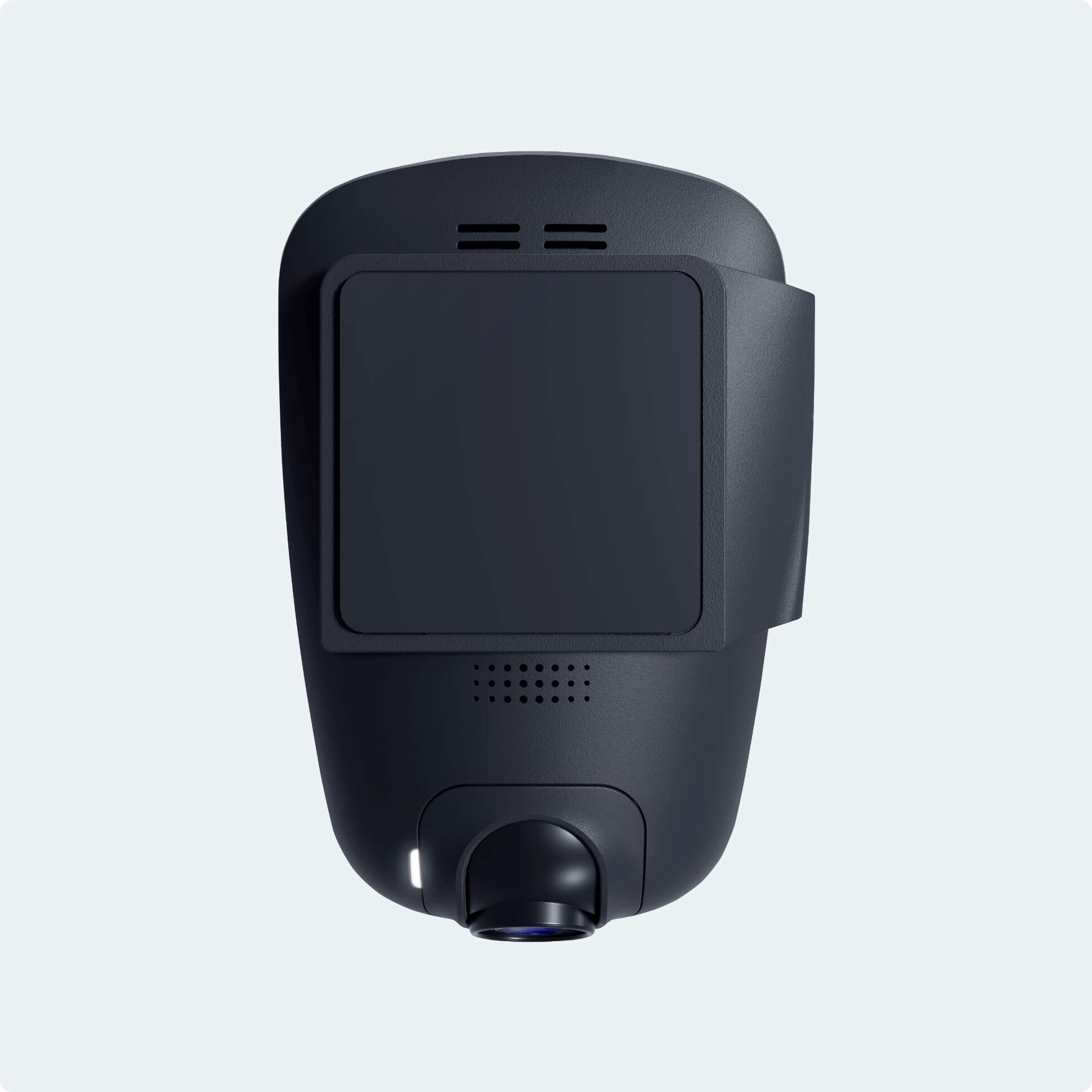

Description
Connected like never before
See how the Drone XC Dash Cam keeps your vehicle connected, protected, and easy to control from virtually anywhere.

Always-on coverage
A second pair of eyes on the road
“Drive Mode” continuously records from the moment you start driving until your ignition turns off. Any events that happen on the road are saved as separate clips, so you can quickly review what matters without scrubbing through hours of footage.
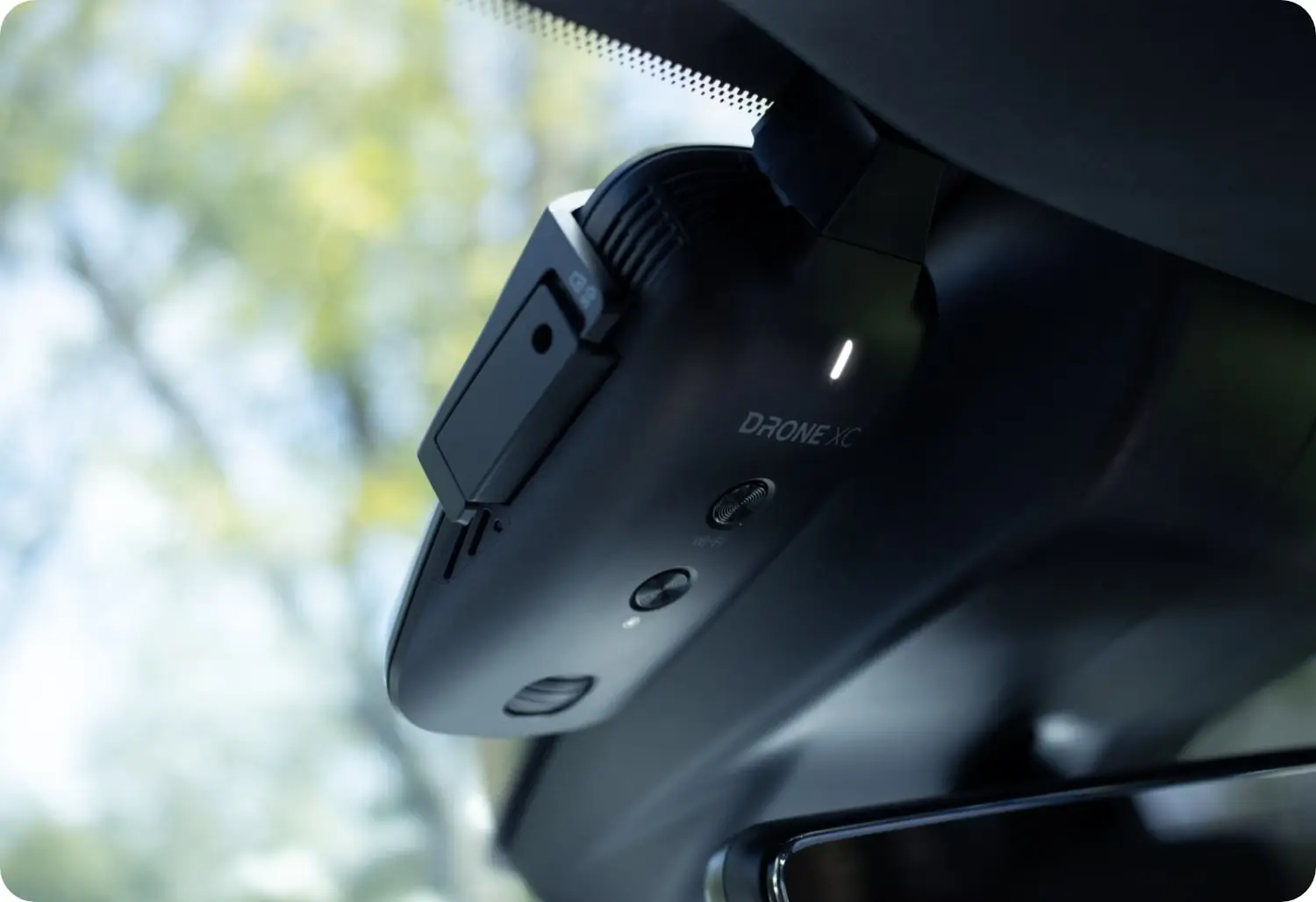
Low-profile design
Clear view of what’s ahead
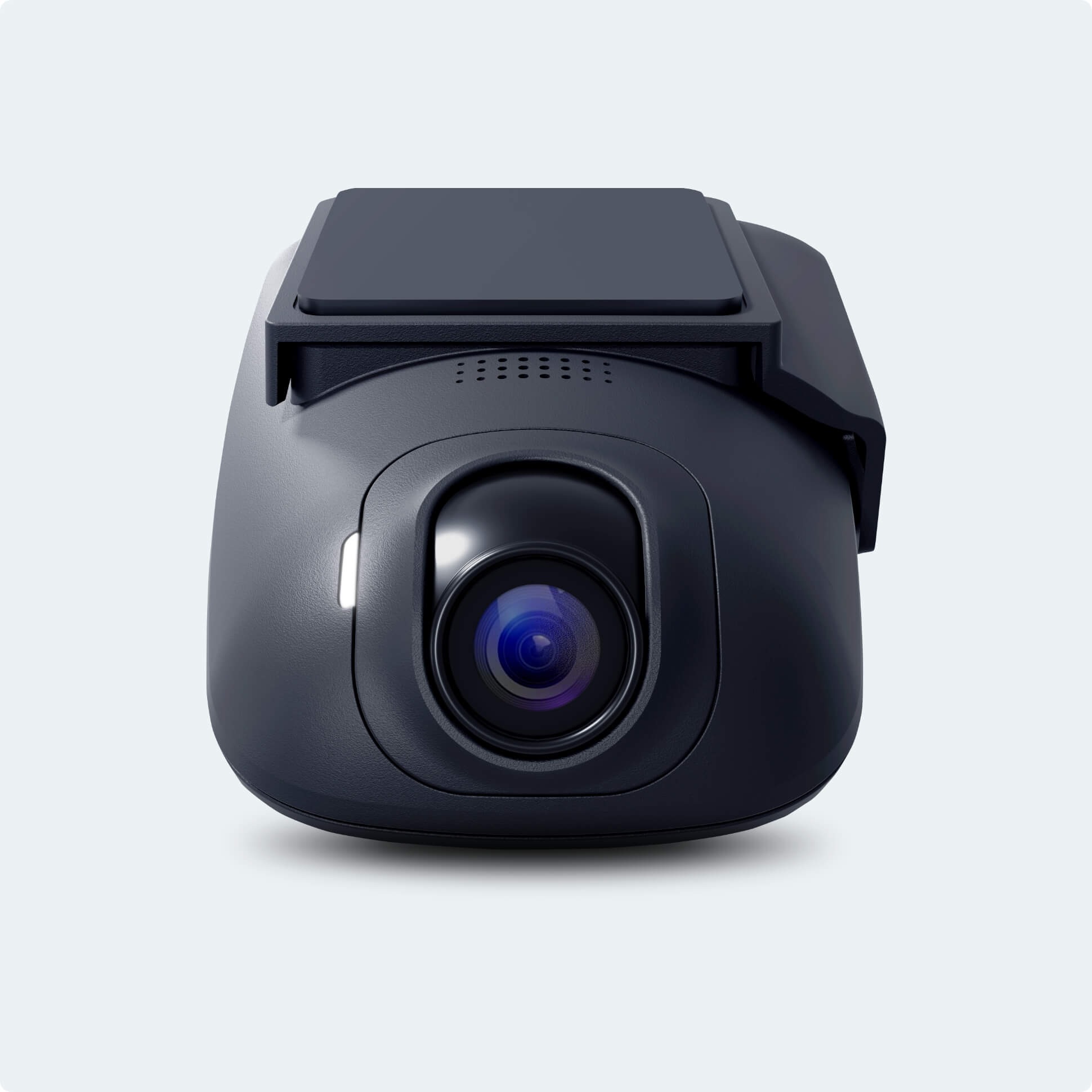
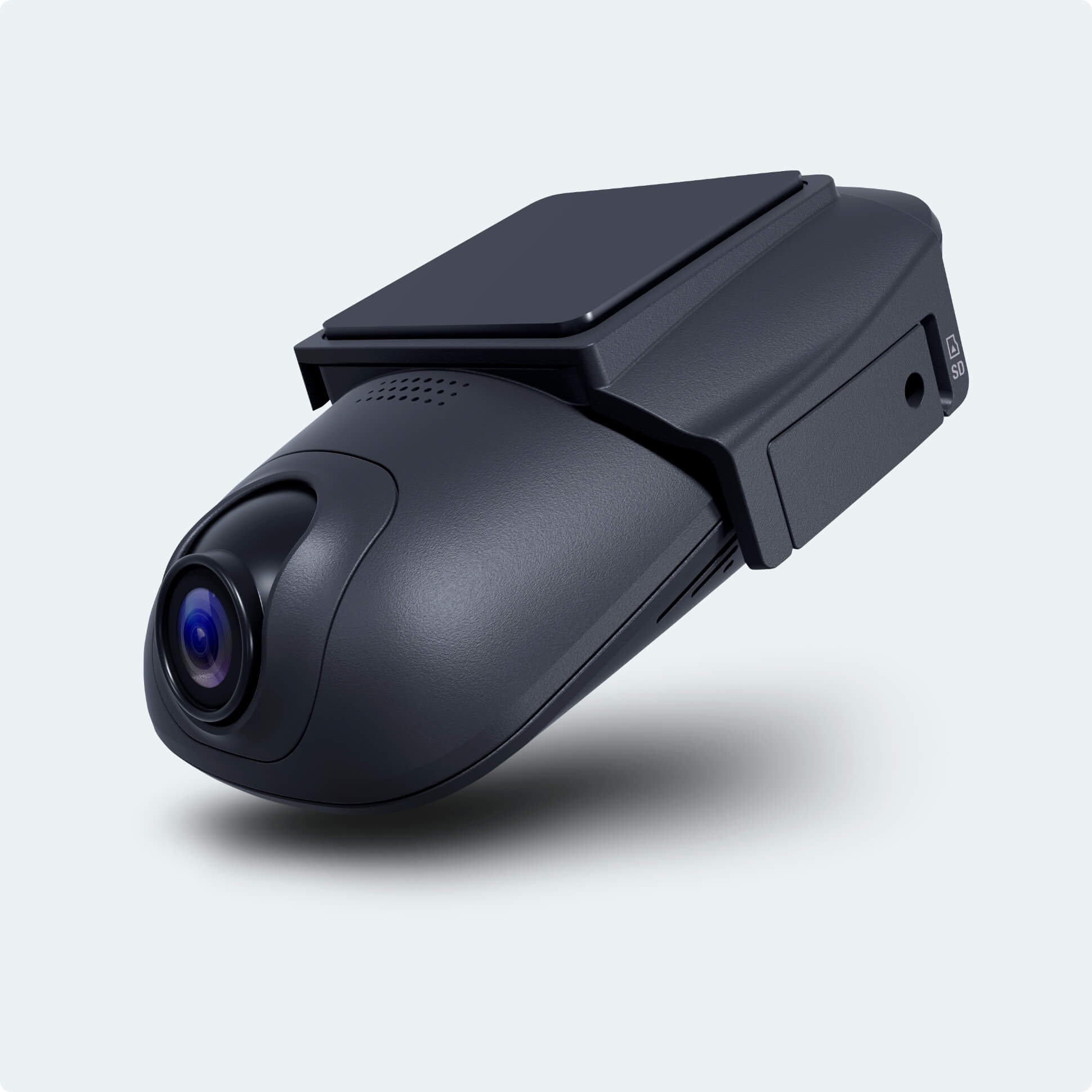
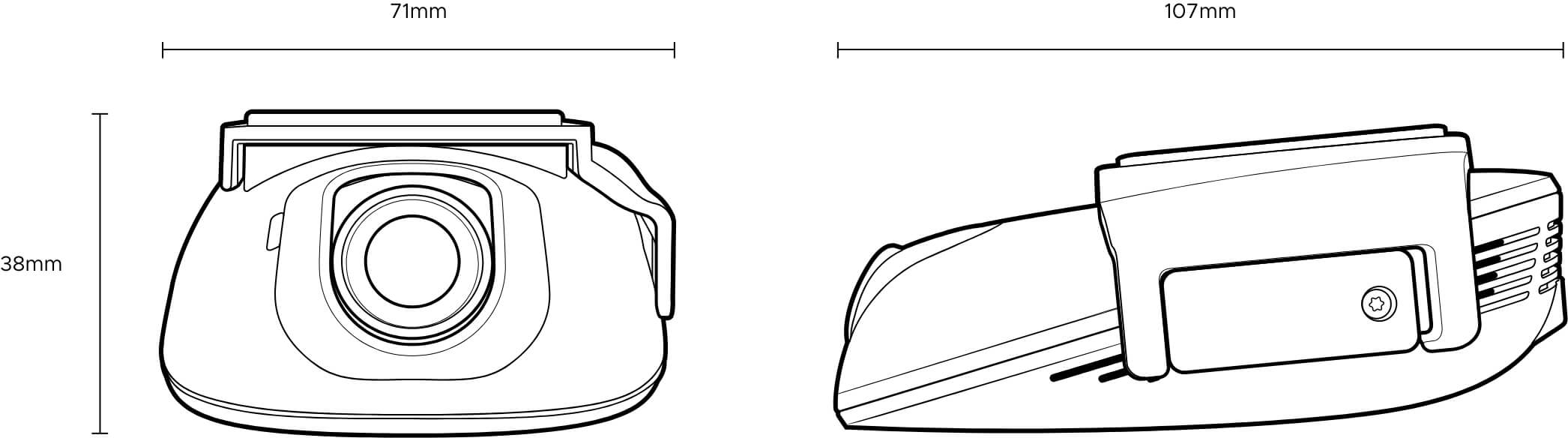
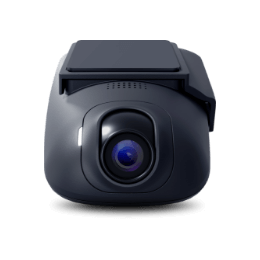
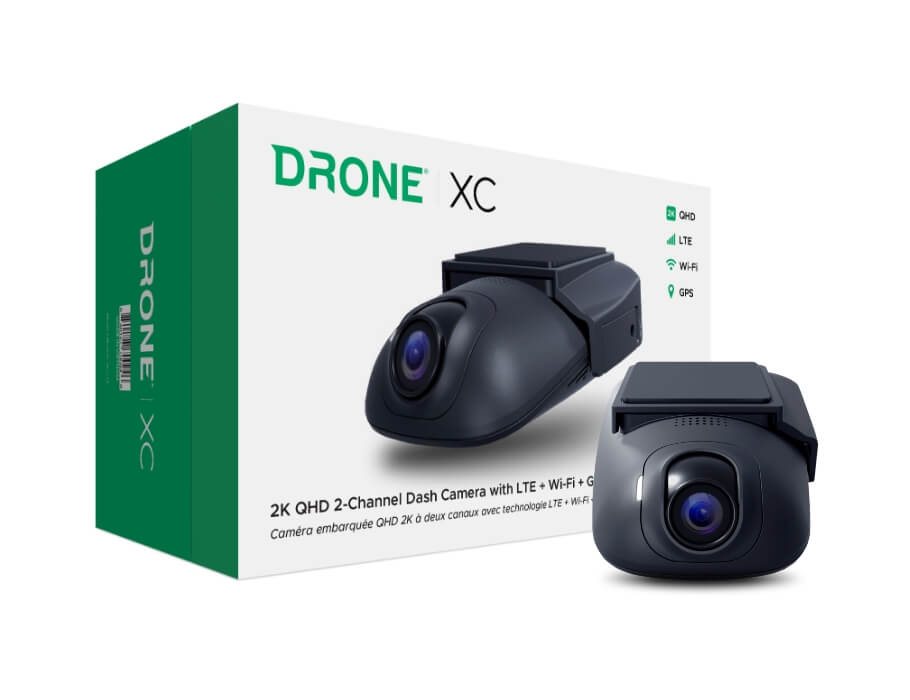
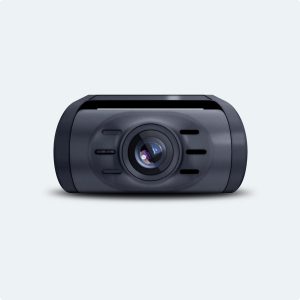
The Drone XC’s ultra-sleek profile takes up minimal space on your windshield, helping you maintain an unobstructed view of the road. It blends in with factory hardware while quietly capturing every drive.

Expanded coverage
See more of what’s in front of you
The Drone XC Dash Cam features an HD 1440p front camera with a 135° field of view, giving you broad coverage of the road ahead. Double your protection by adding a rear or interior camera to monitor what’s behind and inside your vehicle.
-
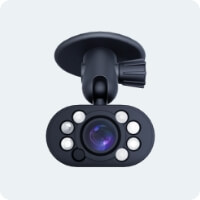
IR1 Interior Infrared Camera
Learn more -
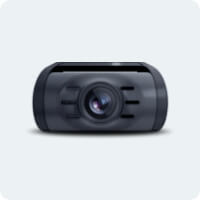
RC1 Rear Camera
Learn more
Park with peace of mind
Parking Modes at a glance
Choose how Drone XC records while parked. Each mode is tuned for a different balance of coverage and storage usage.

Event
Records a 1-minute video whenever security sensors are triggered.

Motion + Event
Records a 1-minute clip when motion is detected and when security sensors are triggered.
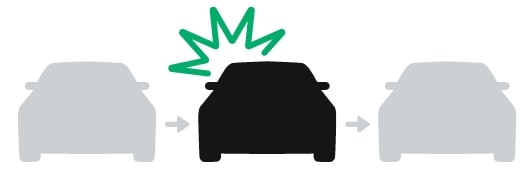
Full Event
Captures a 1-minute video with footage from before and after security sensors are triggered.

Timelapse + Event
Continuously records timelapse-style clips and saves full 1-minute videos when security sensors are triggered.
Save your battery
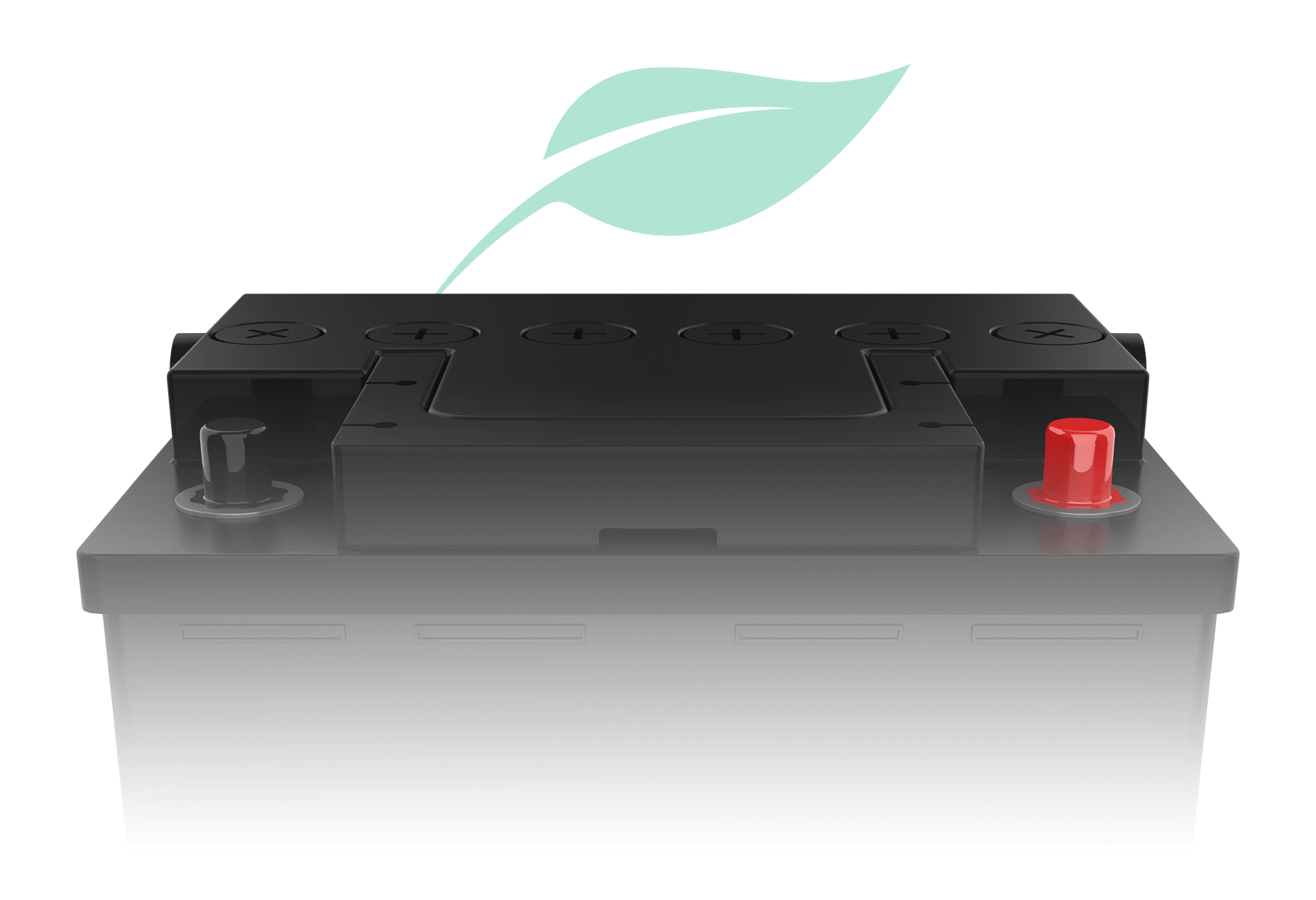
“Power Saving Mode” helps protect your vehicle’s battery by automatically turning off GPS and Wi-Fi once voltage drops to your chosen level. Drone XC keeps recording intelligently without leaving you with a dead battery.
-
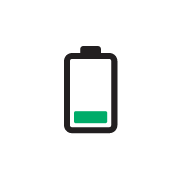
Low (Default)
Power Saving Mode turns on at approximately 11.7V / 23.4V.
-
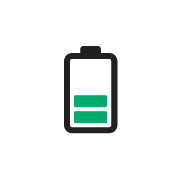
Medium
Power Saving Mode turns on at approximately 12V / 24V.
-
High
Power Saving Mode turns on at approximately 12.3V / 24.6V.
Storage options
More storage, less worry
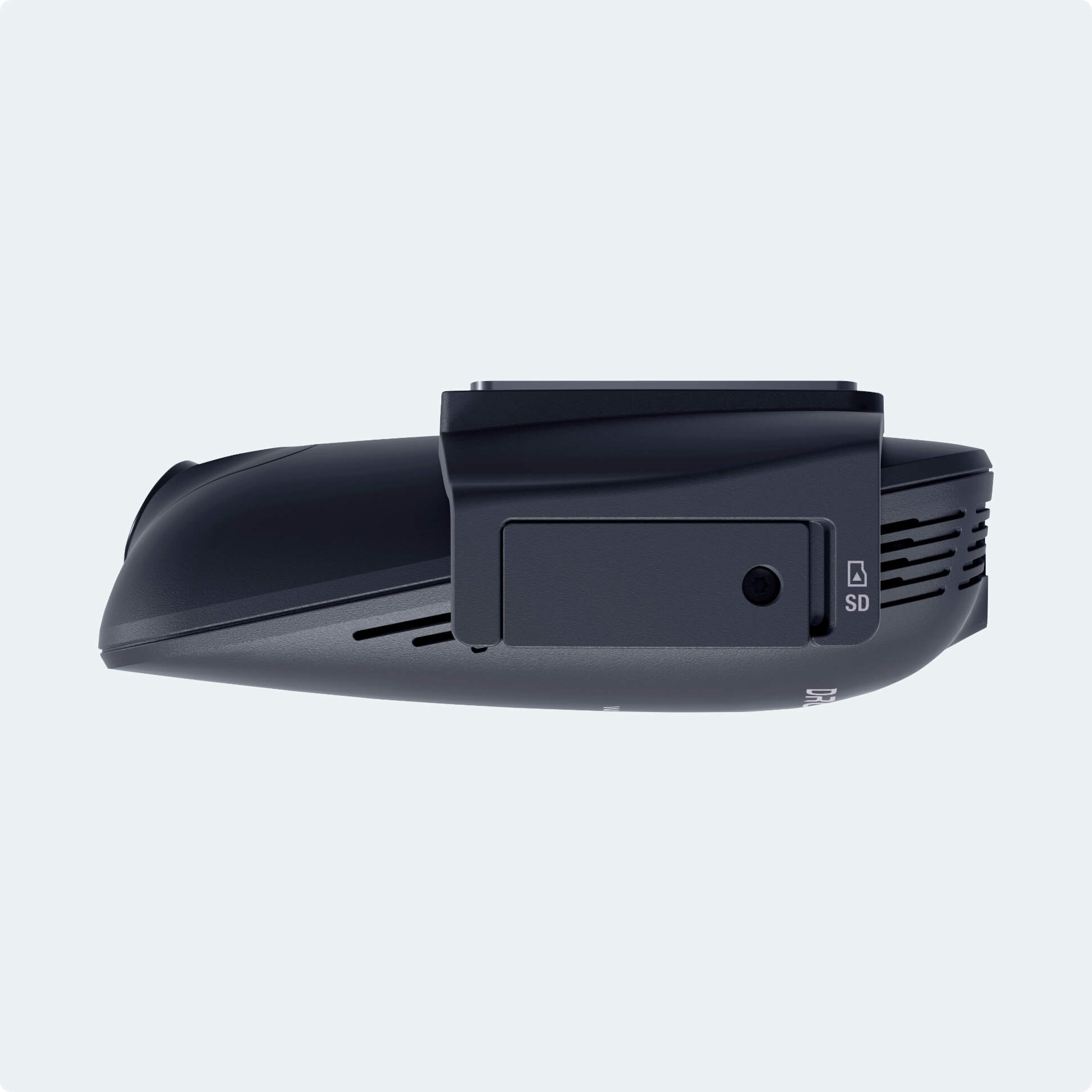
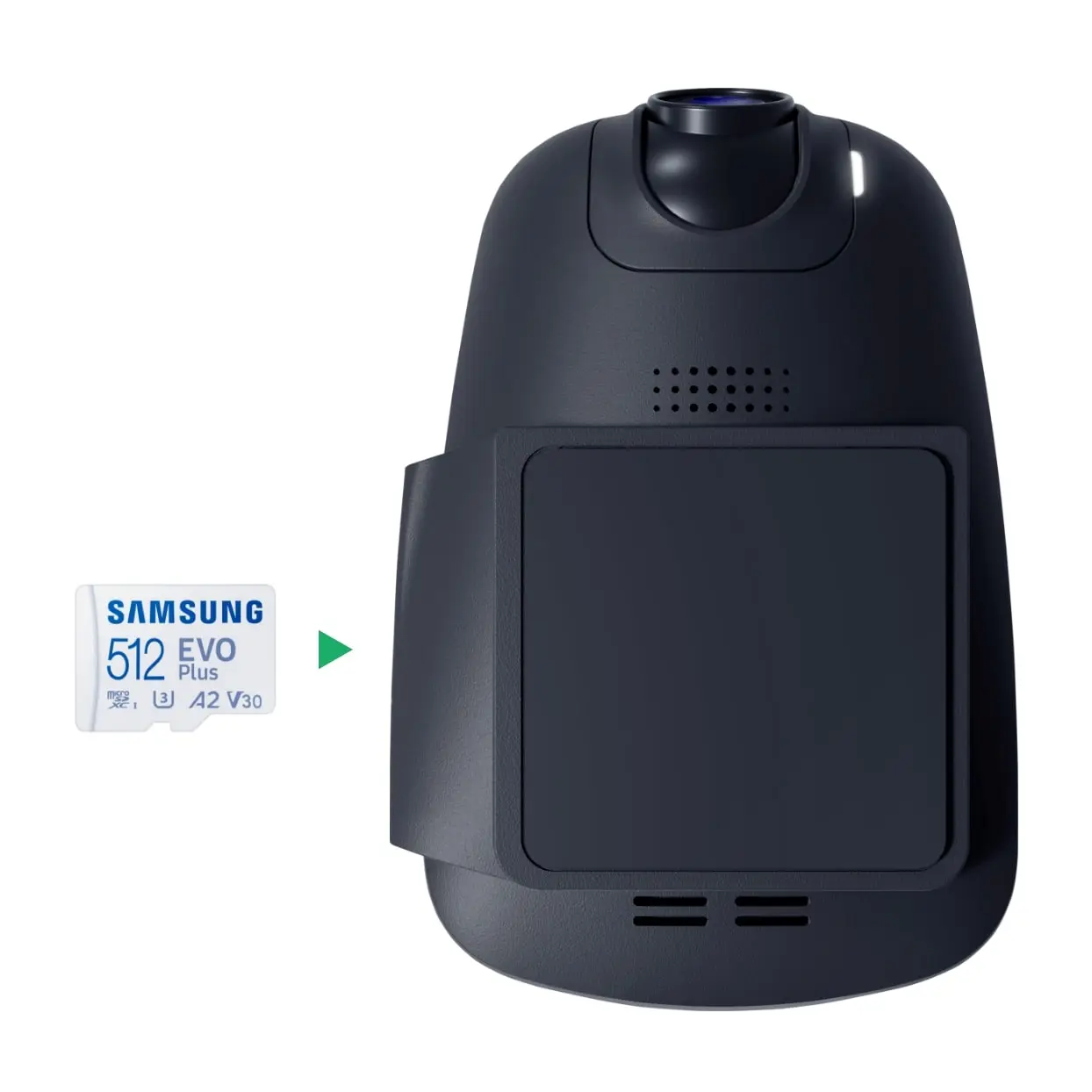
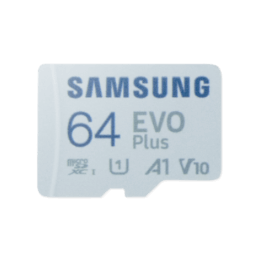
Upgrade your Drone XC Dash Cam with storage options up to 512 GB. With more space on the card, your recordings stay available longer before they’re overwritten by new footage—giving you extra time to review and download important clips.

There are no reviews yet.